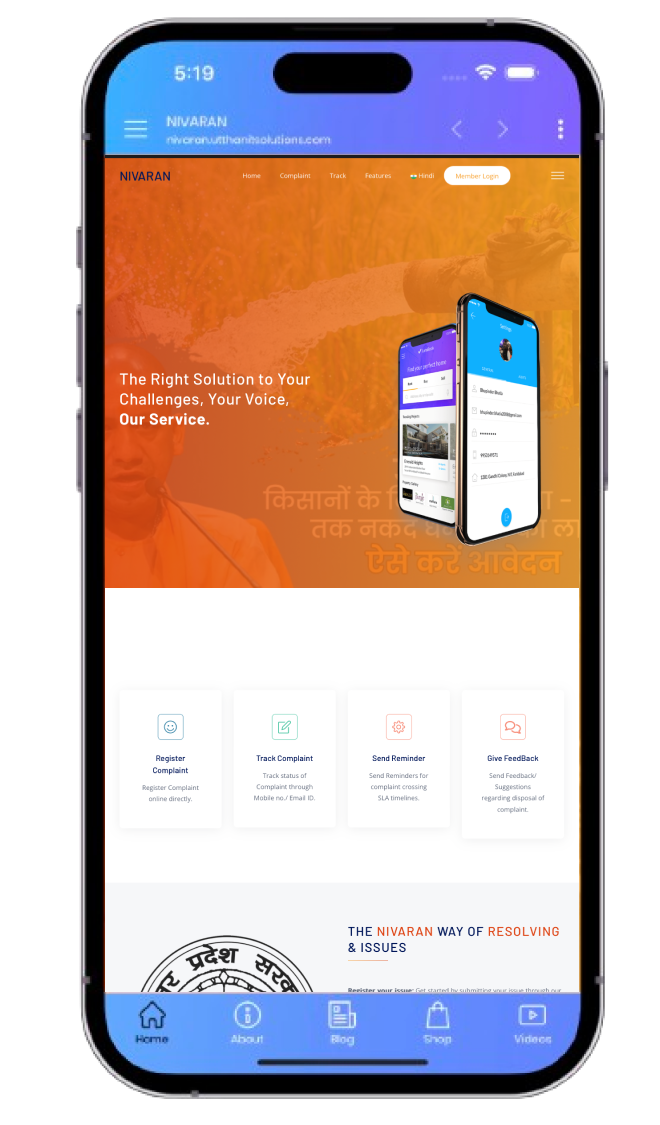
The Right Solution to Your
Problems

Your Voice - Our Services

mockup

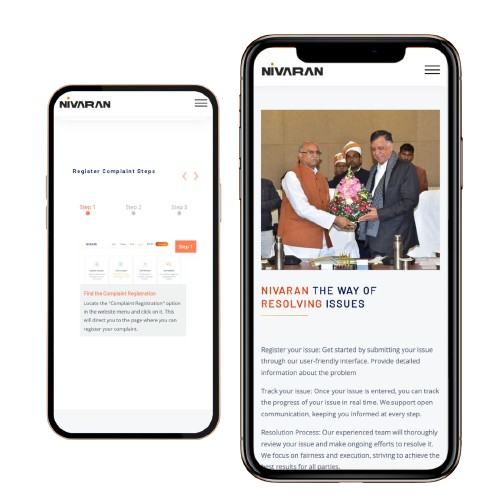
Register Complaint Steps

Step 1
Step 2
Step 3
Step 4
Step 5
Step 6
Step 7
Step 1

Find the Complaint Registration

Locate the "Complaint Registration" option in the website menu and click on it. This will direct you to the page where you can register your complaint.

Locate the "Complaint Registration" option in the website menu and click on it. This will direct you to the page where you can register your complaint.

Step 2

Click on the "Register" Button

Once on the Complaint Registration page, look for the "Register" button and click on it to begin the registration process.

Once on the Complaint Registration page, look for the "Register" button and click on it to begin the registration process.

Step 3

Fill out the Registration Form

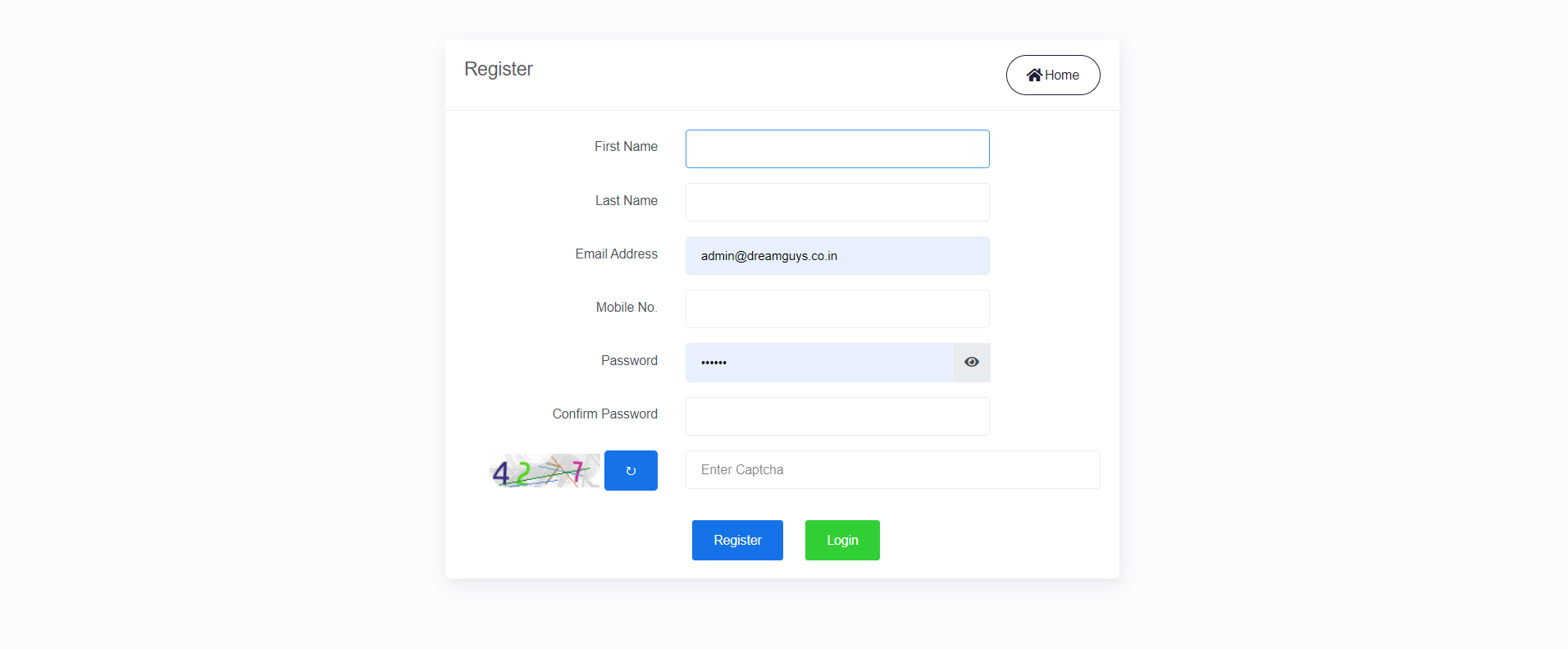
You'll be presented with a registration form. Enter your email address, create a secure password, and provide any other necessary information as prompted. Ensure that the information you provide is accurate.

You'll be presented with a registration form. Enter your email address, create a secure password, and provide any other necessary information as prompted. Ensure that the information you provide is accurate.

Step 4

Verify Your Email Address

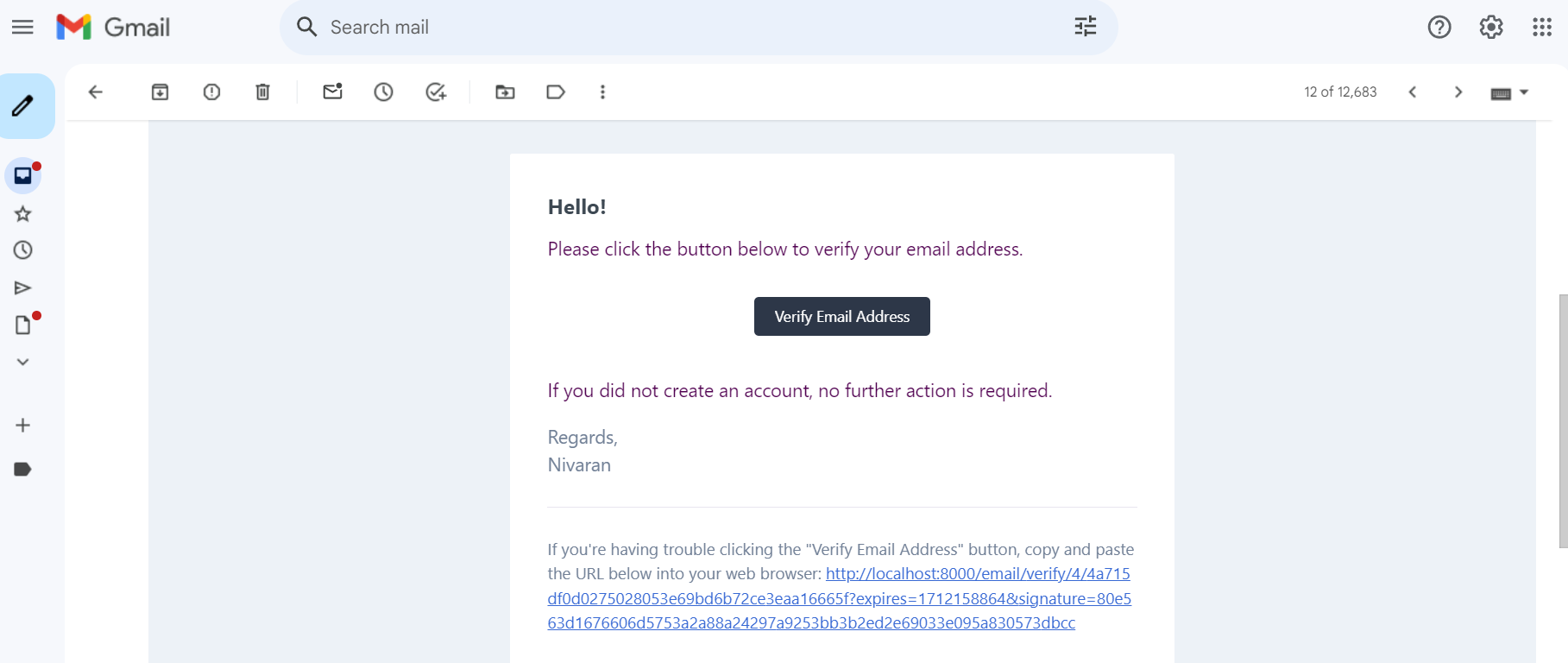
After submitting the registration form, check your email inbox for a verification message. Click on the verification link provided in the email to confirm your email address and activate your account.

After submitting the registration form, check your email inbox for a verification message. Click on the verification link provided in the email to confirm your email address and activate your account.

Step 5

Log In to Your Account

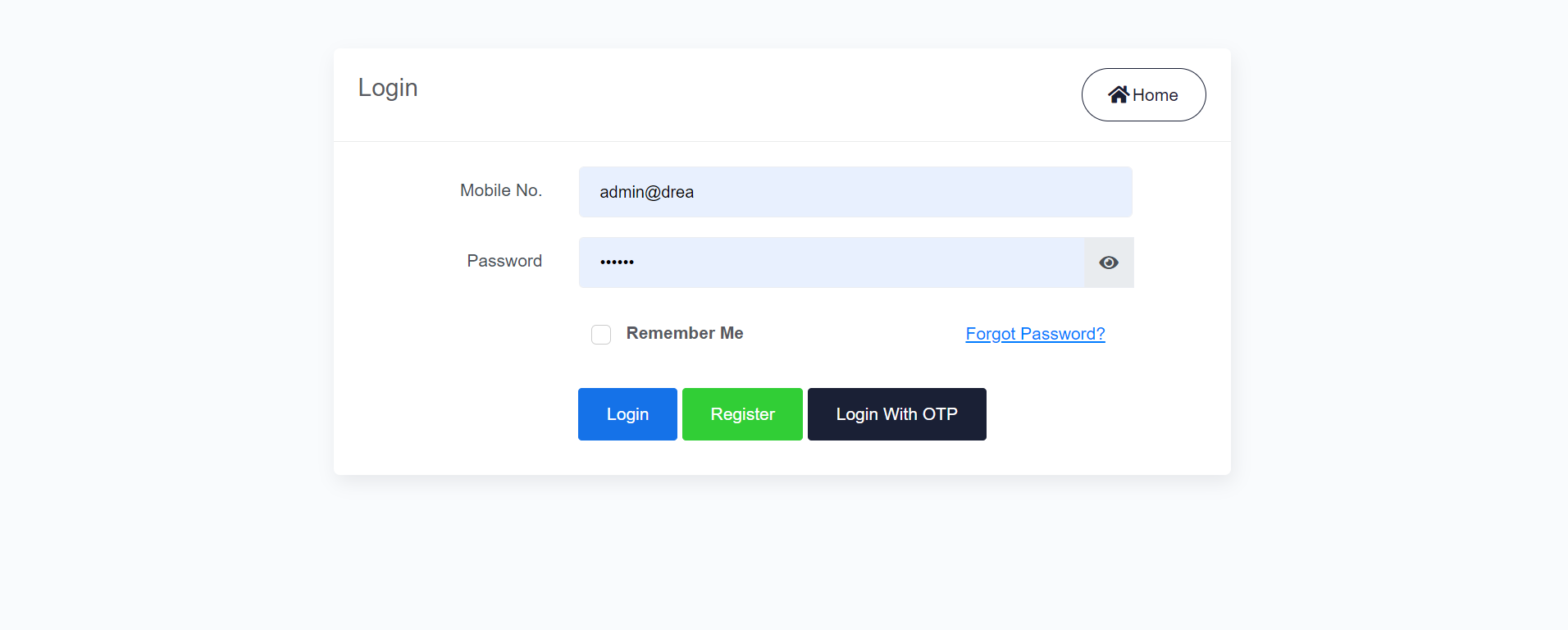
Return to the Complaint Registration page and log in using the email address and password you provided during registration.

Upon successful login, you'll be redirected to your personal dashboard. Here, you can view any existing complaints, track their progress, and access other relevant features.Return to the Complaint Registration page and log in using the email address and password you provided during registration.

Step 6

Access Your Dashboard

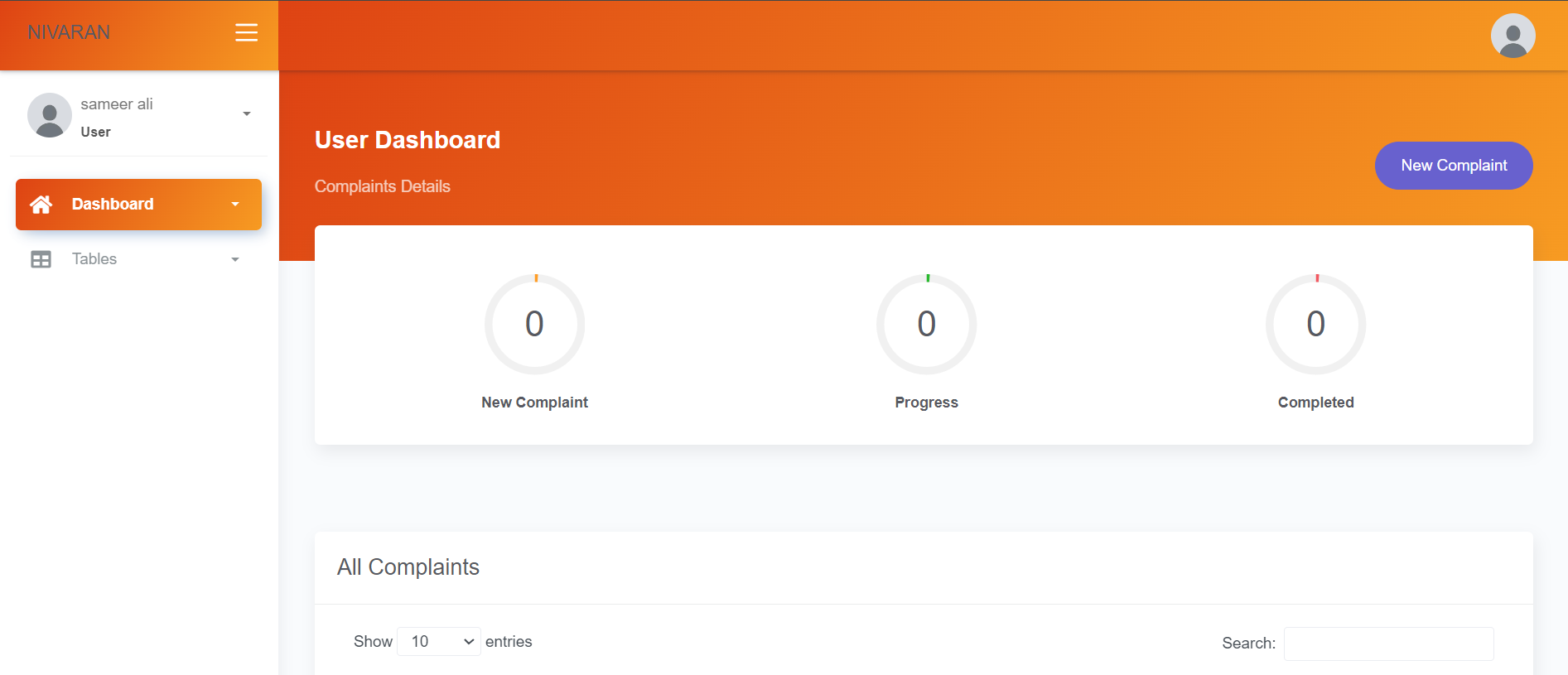
Upon successful login, you'll be redirected to your personal dashboard. Here, you can view any existing complaints, track their progress, and access other relevant features.

Upon successful login, you'll be redirected to your personal dashboard. Here, you can view any existing complaints, track their progress, and access other relevant features.

Step 7

Submit a New Complaint

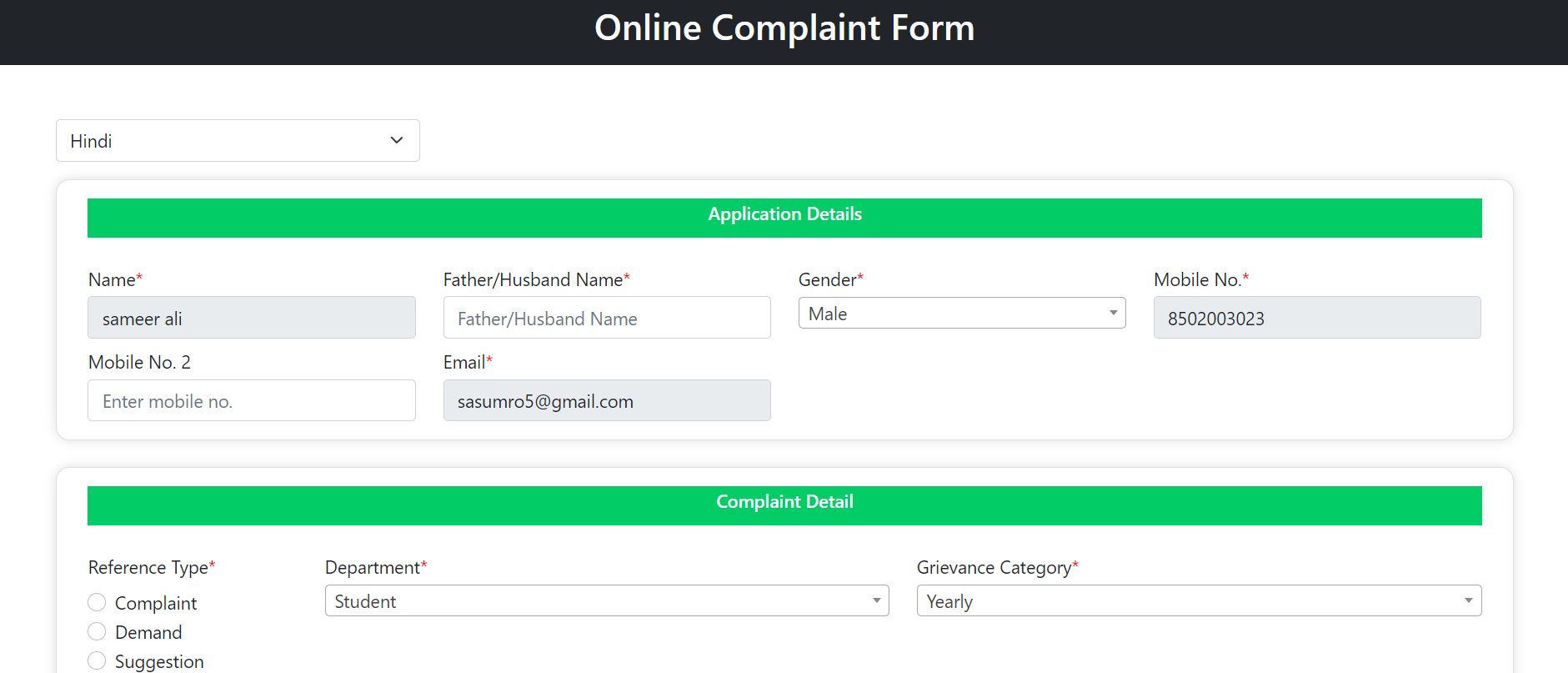
To file a new complaint, locate the option to "Submit New Complaint" within your dashboard. Fill out the complaint form with detailed information about your issue, attach any relevant documents if required, and then submit the form to register your complaint.

To file a new complaint, locate the option to "Submit New Complaint" within your dashboard. Fill out the complaint form with detailed information about your issue, attach any relevant documents if required, and then submit the form to register your complaint.

mockup

Nivaran The Way of Resolving Issues

Register your issue: Get started by submitting your issue through our user-friendly interface. Provide detailed information about the problem

Track your issue: Once your issue is entered, you can track the progress of your issue in real time. We support open communication, keeping you informed at every step.

Resolution Process: Our experienced team will thoroughly review your issue and make ongoing efforts to resolve it. We focus on fairness and execution, striving to achieve the best results for all parties.

Feedback Process: Your feedback is valuable to us. Once your issue is resolved, we encourage you to share your experience and provide any suggestions for improvement. Your support helps us improve our services and serve the community.

Powerful Features

256489

RECEVED REFERENCES

156489

PENDING REFERENCES

mockup

386482

DISPOSED REFERENCES

98

FEEDBACK REFERENCES

Images

screen 1
screen 1
screen 1
screen 1
screen 1
screen 1
screen 1
screen 1

Problems Solve Videos

Our Expriences